
Application Features
Growing and updated feature list.
Roadmap | Changelog | Support | Docs | Whastapp Support





Quick Code is an advanced QR Code generator platform, it can build customized and unique QR Codes. With rich feature set, such as logos, stickers, and outlined shapes. You can build eye catching QR codes, which result in a higher conversion rate.
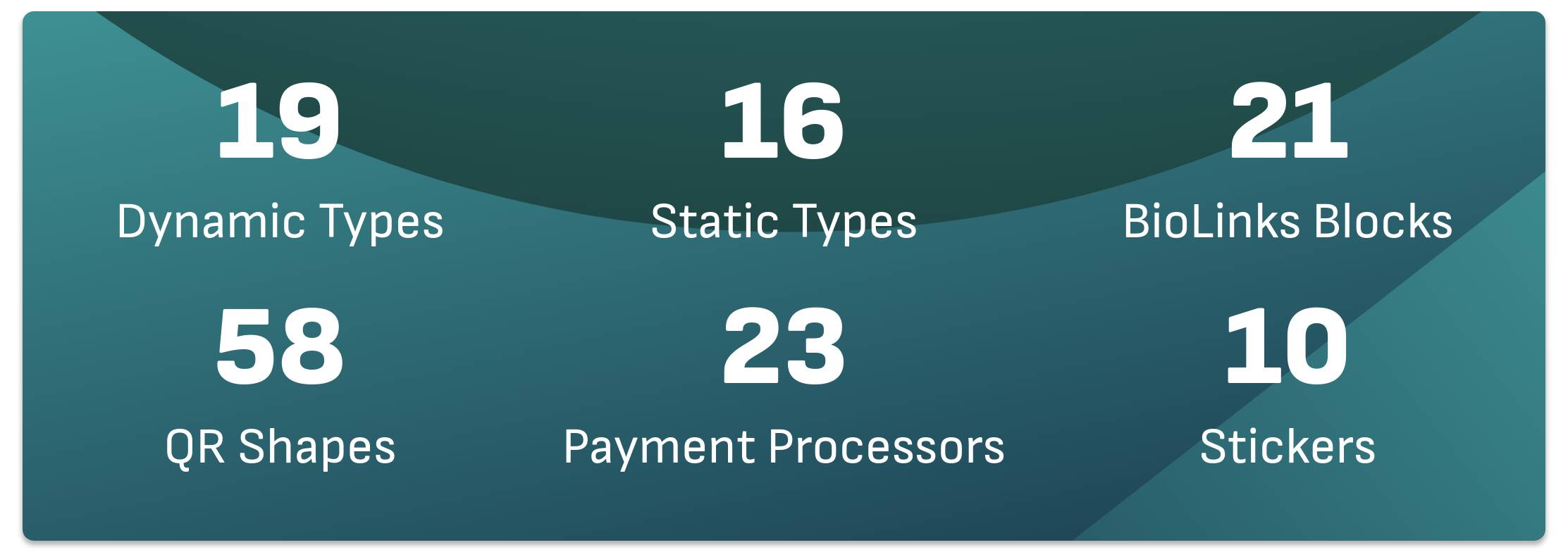
Dynamic QR Code Types
- Dynamic URL.
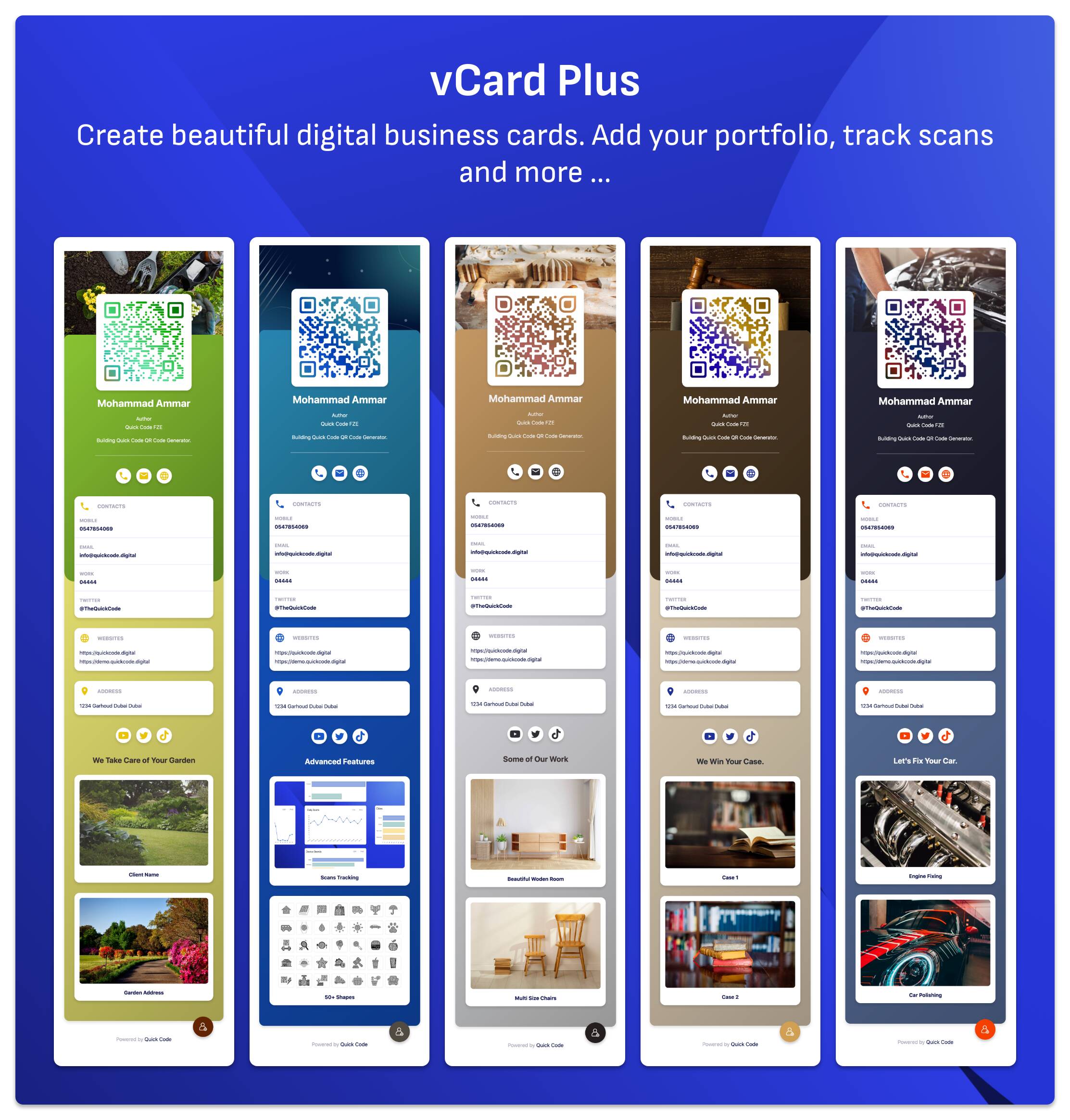
- Digital Business Card (vCard+).
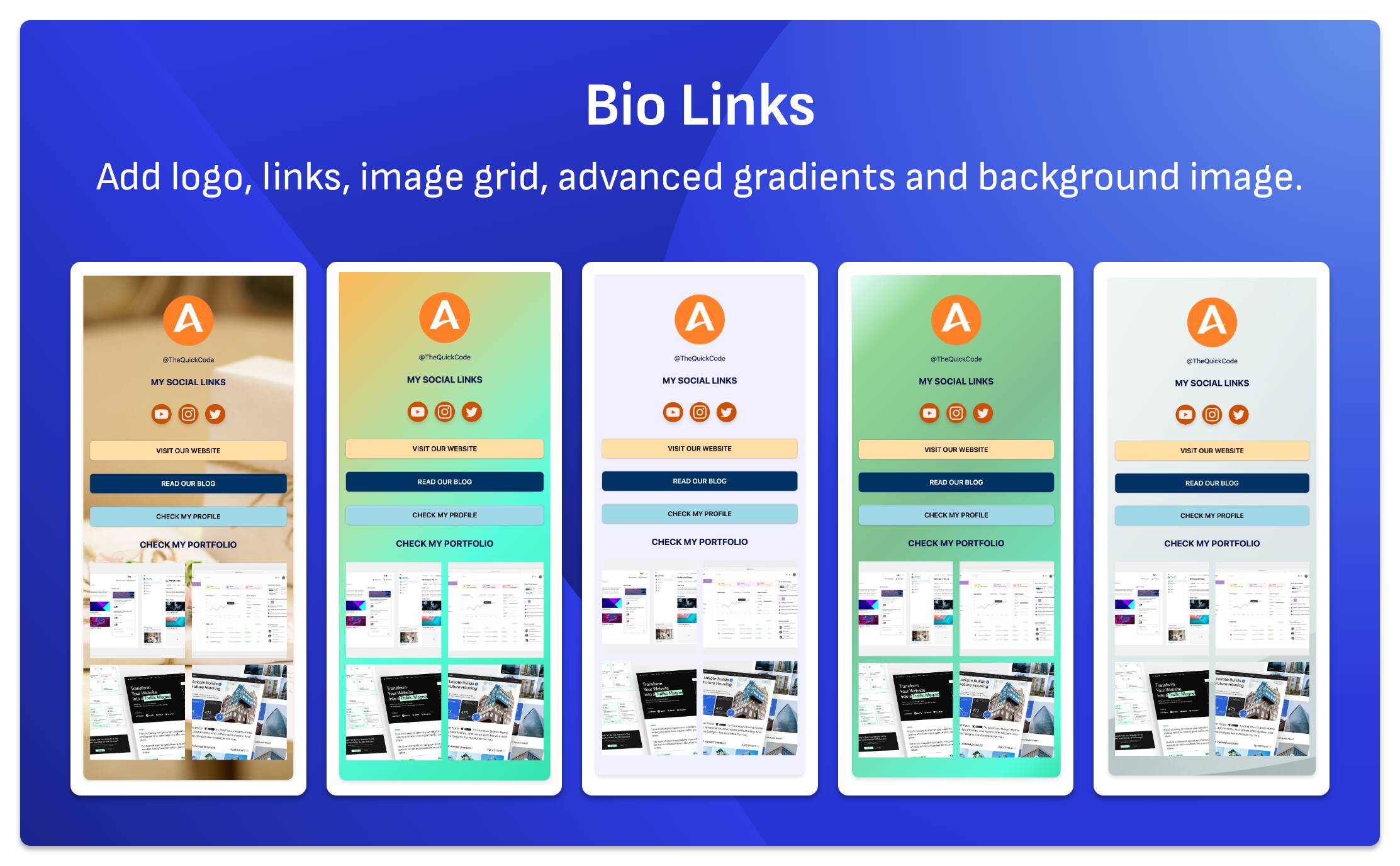
- Bio Links.
- Business Review.
- Website Builder.
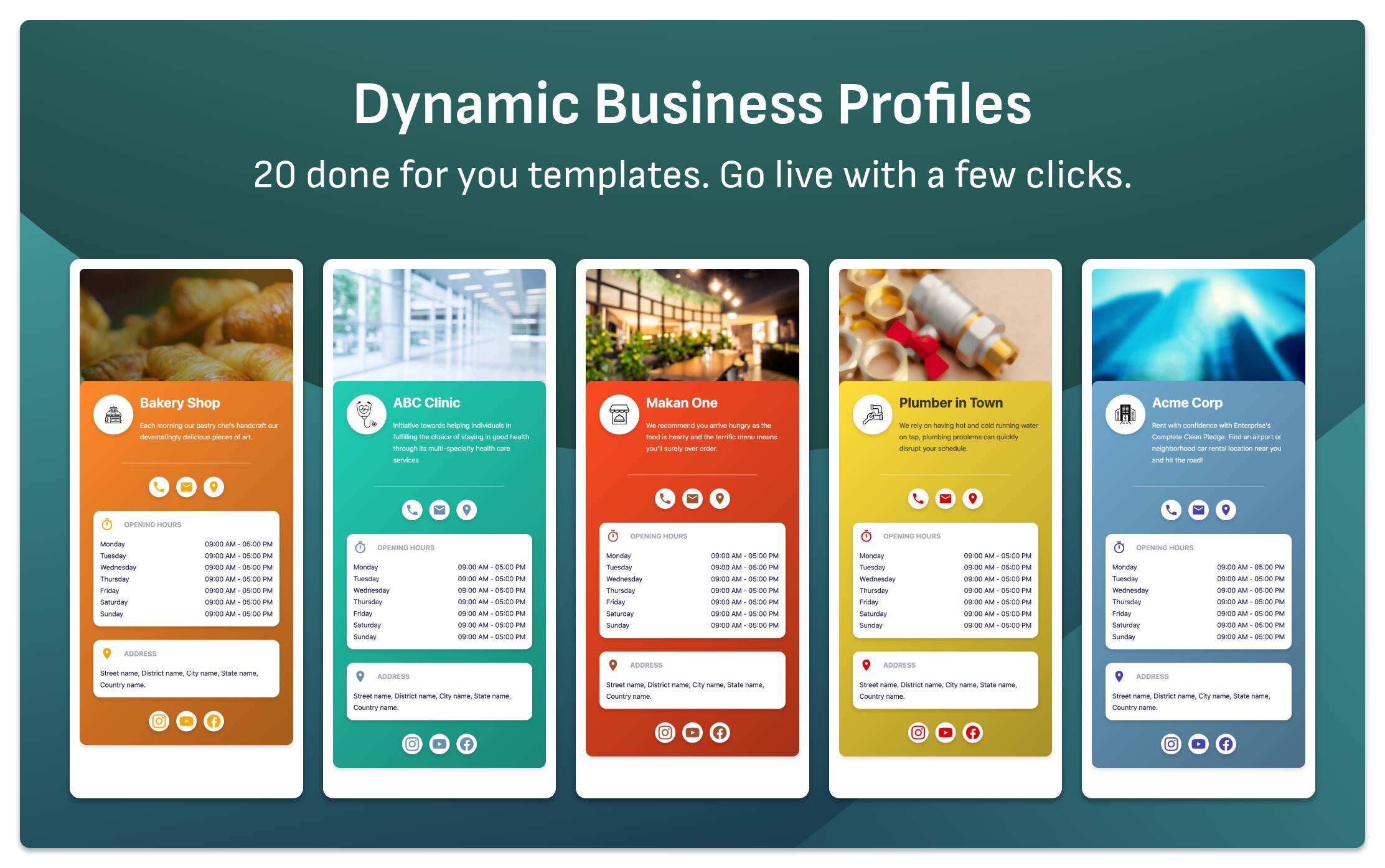
- Business Profile.
- UPI Payments.
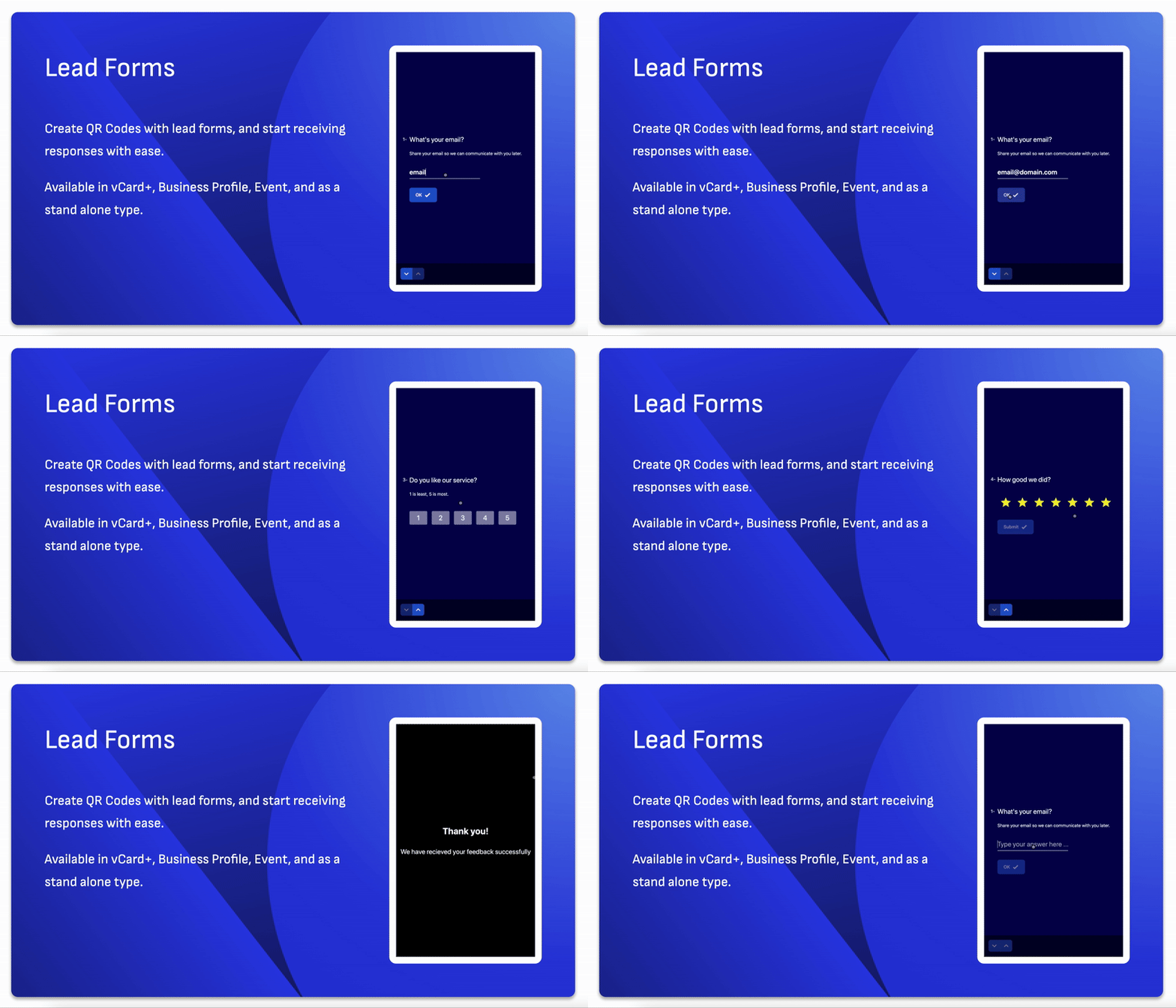
- Lead Form.
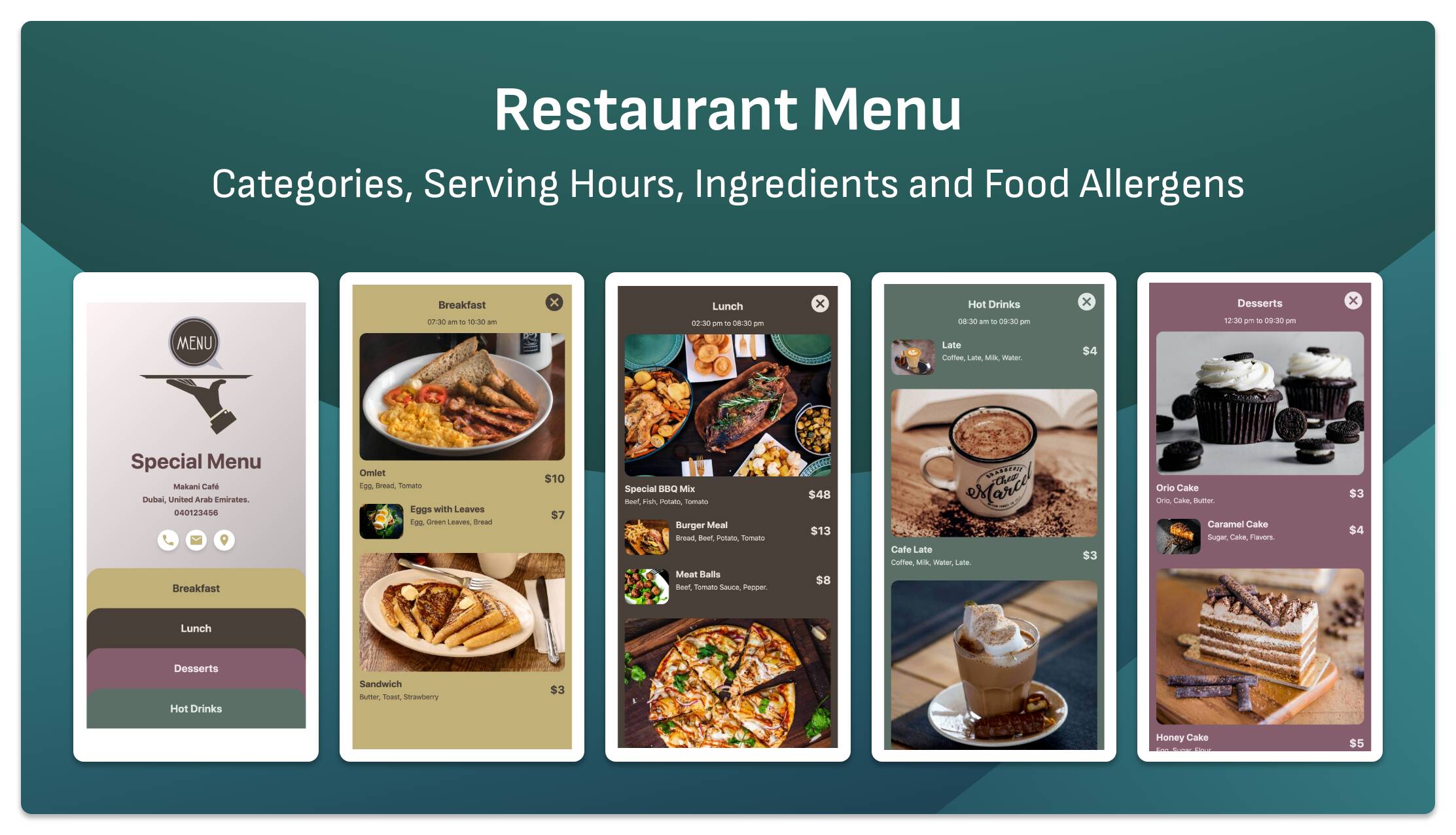
- Restaurant Menu.
- Product Catalogue.
- Google Review Collector.
- Resume.
- File Upload.
- Event.
- SMS
- PayPal
- UPI Dynamic
Static QR Code Types
- Static Text / URL.
- Email.
- SMS.
- vCard.
- WIFI.
- FaceTime.
- Location with ability to select the application (Google Maps, Waze, or device default app).
- Crypto Bitcoin, Ethereum, Bitcoin Cash, Lite Coin, Dash.
- Zoom.
- UPI.
- Skype.
- Brazilian PIX Payments.
- Call.
- Telegram.
- Messanger.
- Viber.
Biolinks Blocks
- Link Block.
- Title Block.
- Social Links Block.
- Profile Block.
- Image Grid Block.
- Custom Code Block.
- Image Block.
- Paragraph Block.
- Opening Hours Block.
- File Block.
- Information Popup Block.
- vCard Block.
- Share Block.
- Video Block.
- Table Block.
- FAQs Block.
- List Block.
- Upi Block.
- Copyable Data Block.
- Audio Block (with voice recorder).
Bulk QR Code Generation
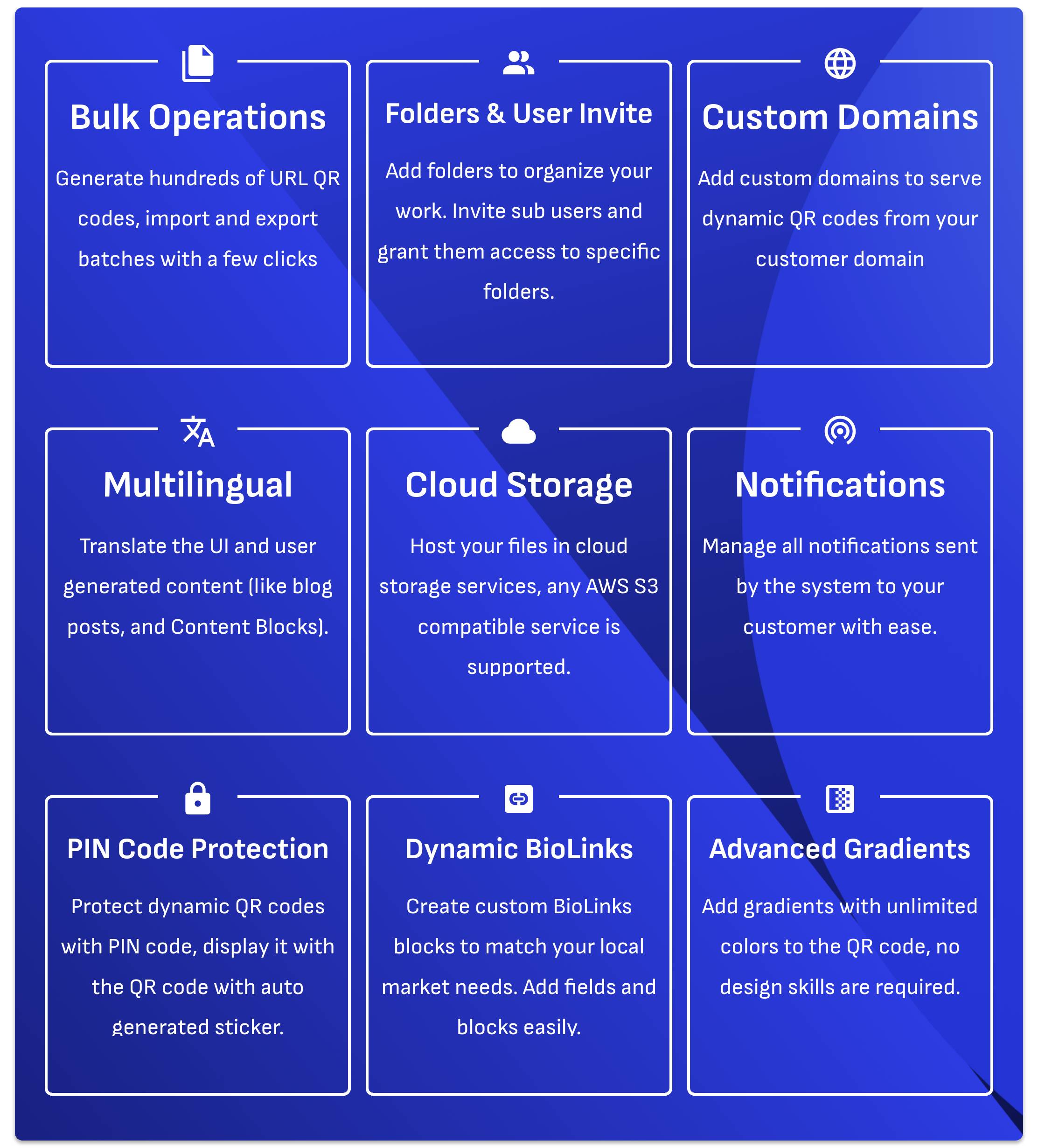
Easy to use automated bulk QR code generation, just upload a single CSV file to get hundreds or even thousands QR codes generated.
Chunk File Uploads
Upload large files to your server, regardless of your current server or php limits. This will help you when uploading videos to the file-upload block.
WhatsApp Order
Available in Restaurant Menu and Product Catalgoue types. Can be connected with UPI or PayPal payments. It can also generate table QR codes with a few clicks.
PIN Code Protection
Protect QR Codes with pincode and you can still generate unique access links which will allow the end user to access protected content without entering the pincode. Each link will expire after x hours, you can specify link hours validity in System > Settings > QR Code Types > PIN Code > Access Link Validity.
Other Features
- Folders and sub users.
- Enable disable any QR code or biolink with switch.
- Duplicate QR codes and biolinks blocks.
- Bulk QR Code generation.
- Custom color picker.
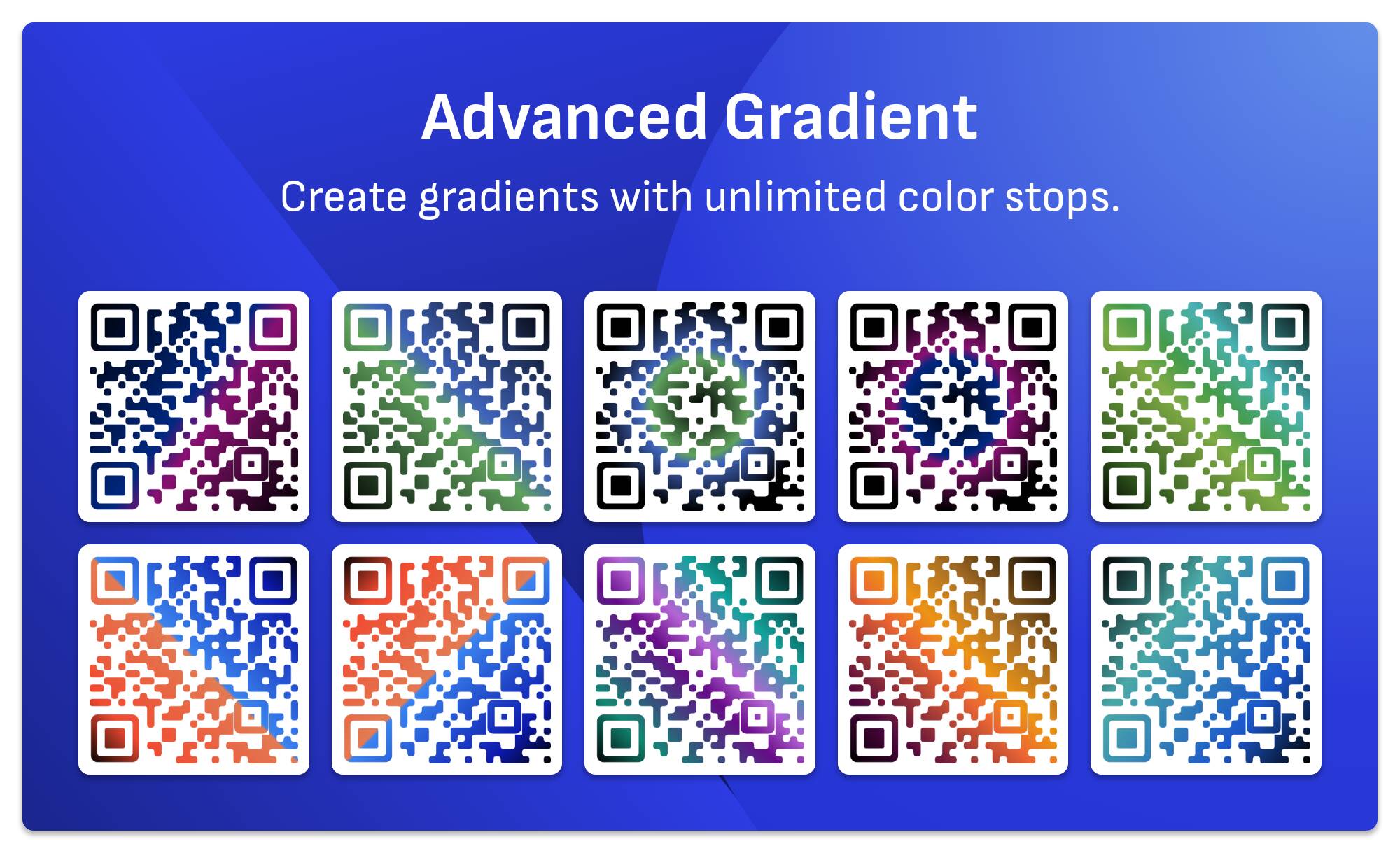
- Custom gradient builder.
- Menu builder.
- Multilingual support for the user interface and also for blog posts and pages.
- Many custom code positions.
- Open source, source code is included unminified.
- Auth0 integration.
- Social login with Facebook, Google and X.
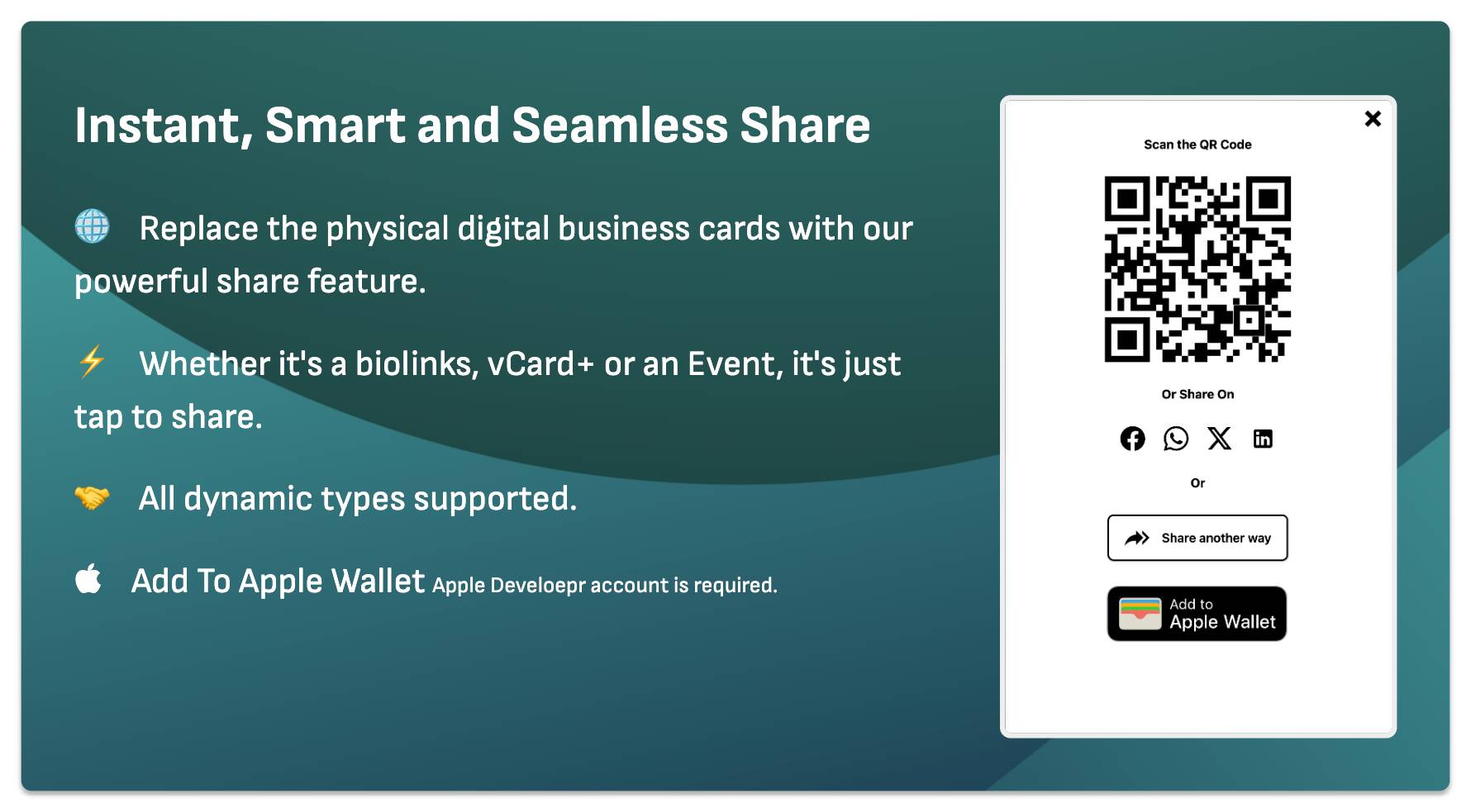
- Add to Apple Wallet support in the share overlay.
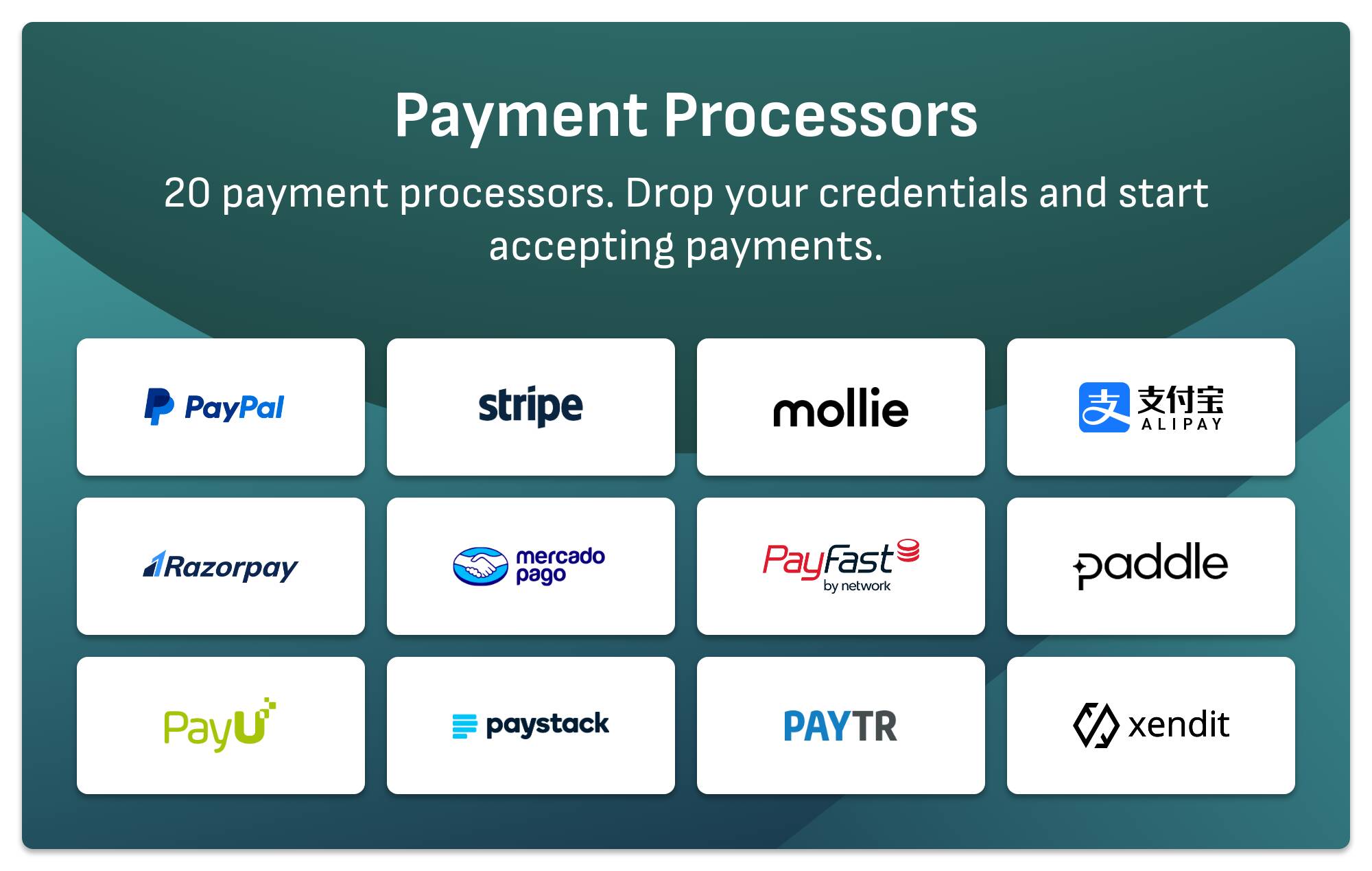
Available Payment Processors
- PayPal International, subscription based integration, automatic webhook registration.
- Stripe International, subscription based integration, automatic webhook registration.
- PayU International (payu.com), one time payment integration.
- Paddle (Classic) International, subscription based integration.
- Paddle (Billing) International, subscription based integration, automatic webhook registration.
- RazorPay India, subscription and one time payments integration.
- Mercado Pago Latin America, one time payment integration.
- Pay TR Turkey, one time payment integration.
- PayFast South Africa, one time payment integration.
- Xendit Indonesia, one time payment integration.
- Mollie Europe, one time payment integration.
- PayStack Africa, one time payment integration.
- AliPay - China China, one time payment integration.
- YooKassa Russia, one time payment integration.
- Orange (Mobile Money) Burkina Faso, one time payment integration.
- PayKickstart US, one time payment integration.
- PayU Latam Latin America, one time payment integration.
- 2Checkout International, one time payment integration.
- Dintero Sweden, one time payment integration.
- FIB Iraq, one time payment integration.
- Post Finance Switzerland, one time payment integration.
- Flutterwave Africa, one time payment integration.
- Offline Payment Integration receive payment receipts and approve transactions manually.
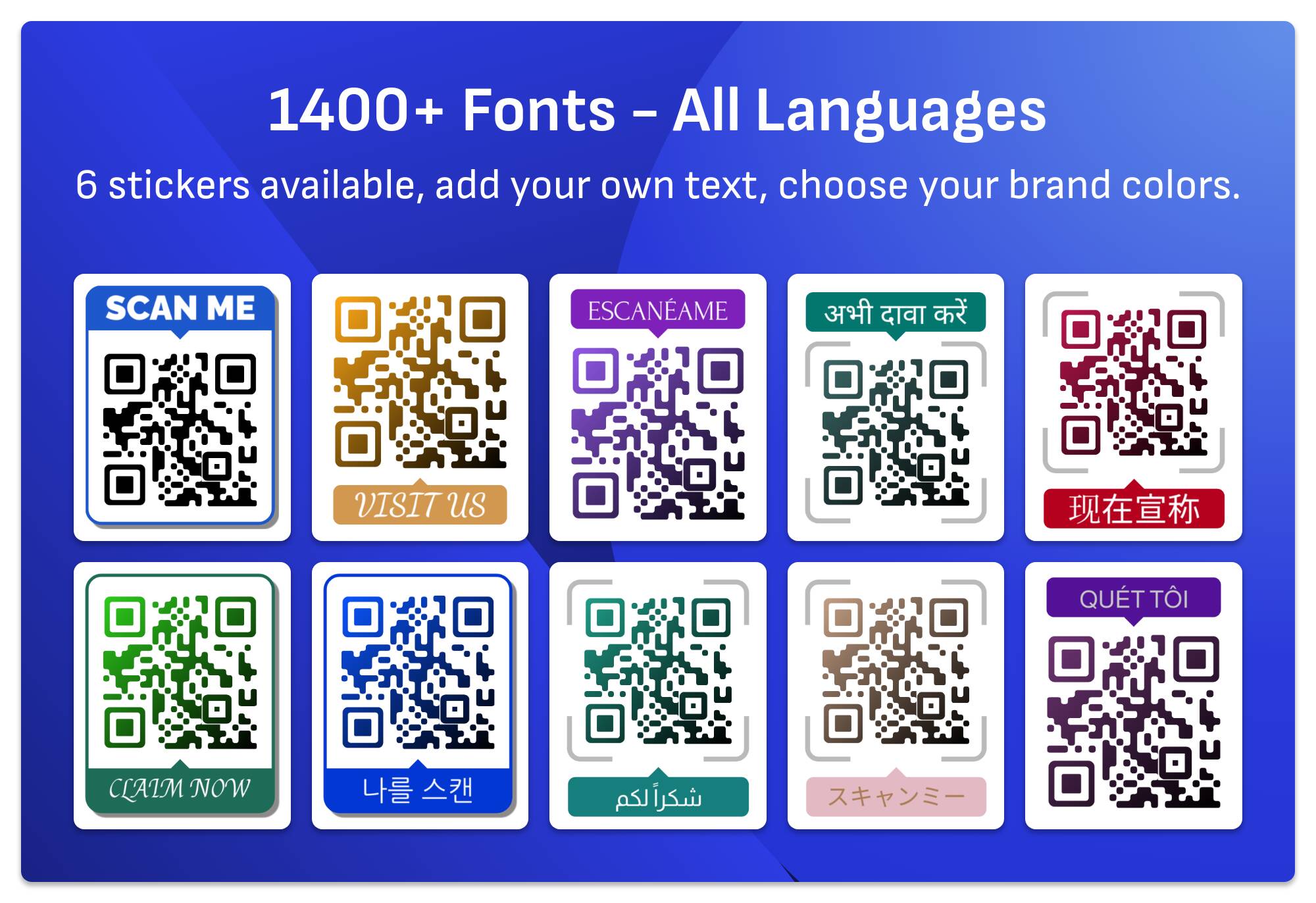
Add beautifull stickers with text to QR codes to make it even more appealing
Add text - in your native language - along with your QR code, the text feature supports almost every language. You can choose your preferred font from 1400+ supported fonts.
Quick Code QR Code Generator will help you create beautiful stickers with no designing skills required.
Font feature is built on top of Google fonts, no API key is required to use this feature.
Complex layout languages are supported, like Arabic, Urdu and Farsi, along with Chinese, Japanese, Hindi and all of Latin languages.
Make your QR codes unique with many custom patterns
Instead of building QR codes with the traditional square pattern, you can choose one of many available patterns and finder shapes. Quick Code QR Code Generator has the following patterns:
- 15 Custom patterns.
- 9 Finder shapes.
- 8 Finder dot shapes.
Outlined shapes
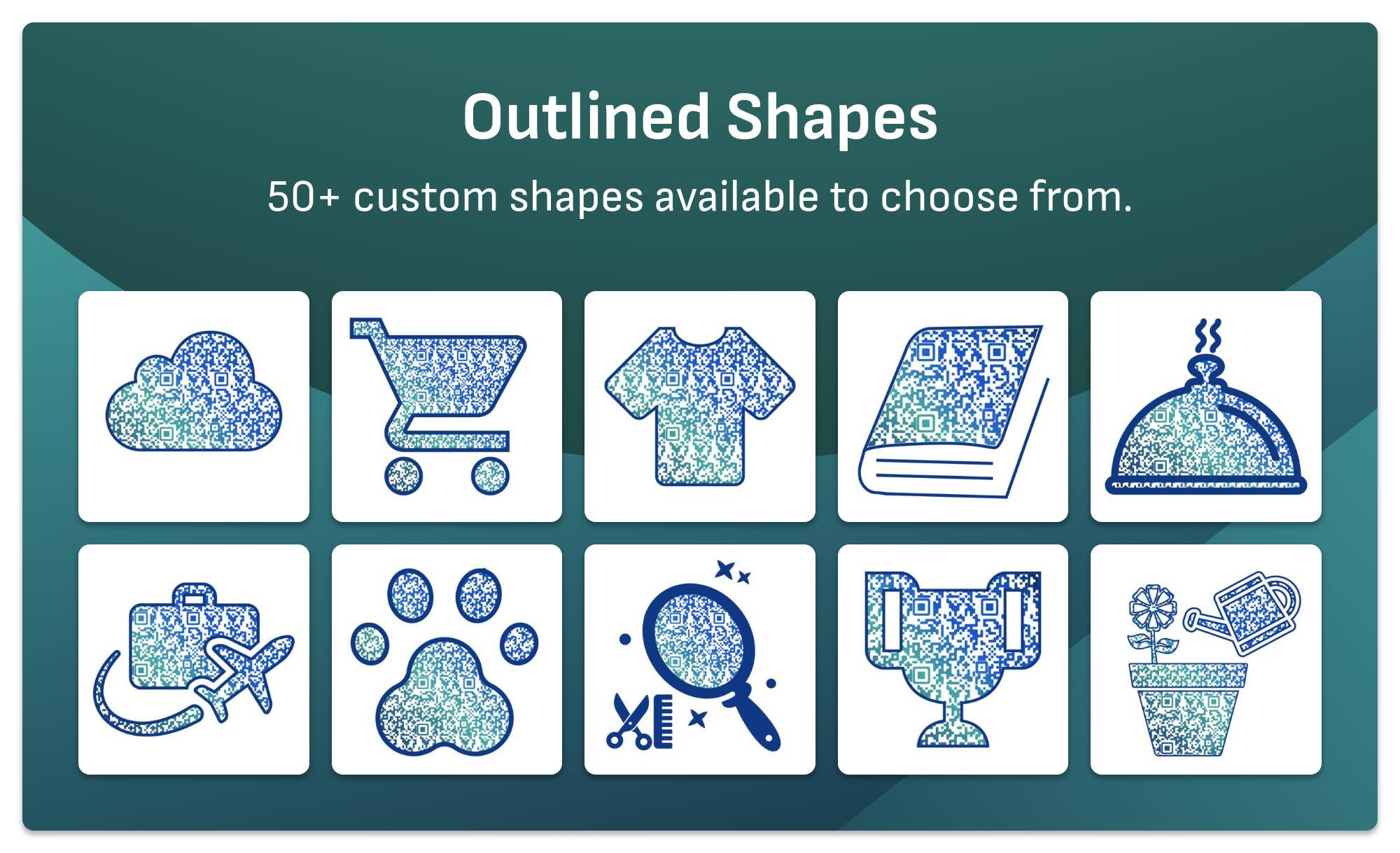
Outlined shapes is a special technique that allows us to fill dummy data around your QR code. Choose the right shape that match your business category, and start creating unique QR codes that reflect your business.
Quick Code QR Code Generator available shapes are:
- Circle
- Cloud
- Shopping Cart
- Gift
- Cup
- T-Shirt
- Home
- Book
- Message
- Bag
- Truck
- Trophy
- Umbrella
- Van
- Watch
- Water
- Bulb
- Sun
- Car
- Pet
- GYM
- Salon
- Food
- Ice Cream
- Search
- Burger
- Apple
- Barn
- Sun Rise
- Star
- Realtor
- Legal
- Juice
- Water Glass
- Electrician
- Plumber
- Builder
- Home Mover
- Cooking
- Gardening
- Furniture
- Mobile
- Restaurant
- Travel
- Dentist
- Golf
- Pizza
- Locksmith
- Bakery
- Painter
- Pest
- Teddy
- Boot
- Shield
Image Fill
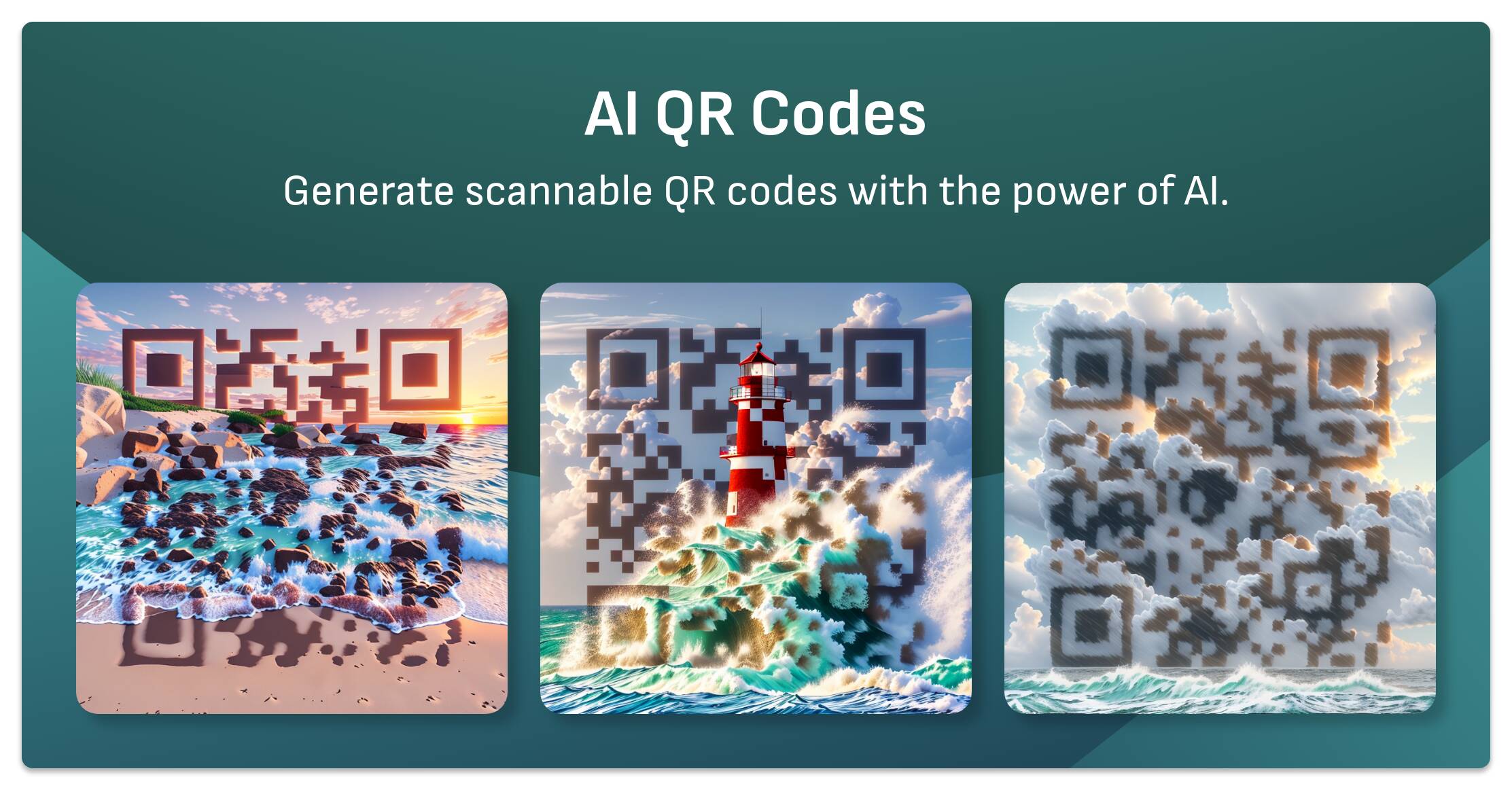
Exclusively available with Quick Code QR Code Generator, this feature allows you to fill your QR Code with your custom art instead of solid color or gradient fill. QR code pattern would be masked with your image, to create even more unique experience.
Gradient Fill
Advanced gradient, you can add as many colors as you want, with easy to use user interface. This can be done only with Quick Code QR Code Generator.
- Supports multiple colors (not just start and end color).
- Can delete and add color as you go.
- Each color opacity can be changed.
- Draggable UI builder.
QR Code with Logo
Add your own logo or choose from many predefined logos (28 preset logos available).
You can resize, rotate or move your logo. If your logo is transparent, you can add rounded or square background to it. You can change the backround color of the logo as well right from within the user interface of Quick Code QR Code Generator.
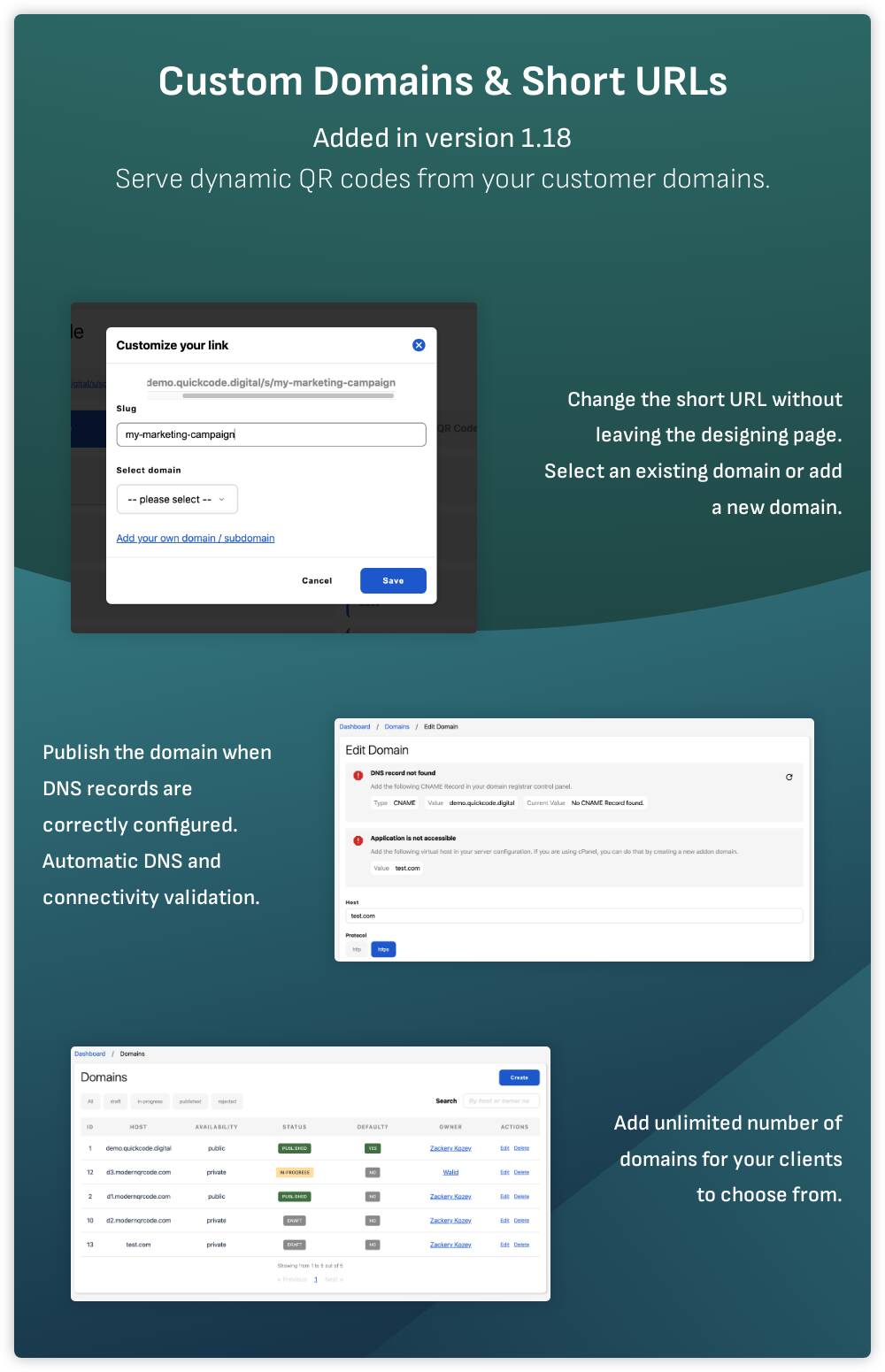
Custom Domains & URL Shortening
Allows you to provide your customers with many custom domains to server dynamic QR codes from. Your customers can submit their own domains also.
Customers can change the URL of the dynamic QR codes generated by Quick Code QR Code Generator, they can choose the domain as well. All with a simple 2 clicks.
For more details, please have a look at Custom Domains Feature Docs.
You can set a default QR code to be shown when opening the root URL of any custom domain anstead of showing your script homepage.
Content Management
Quick Code QR Code Generator comes with many modules to help you customize your content. Blog posts and dynamic pages are server side rendered to help you with SEO.
You can create unlimited pages right from within your admin panel, and keep your pages intact even after software update.
It is possible to edit the meta description for every page / blog post which is essential for SEO.
Webhooks
Integrate your Quick Code with external systems with webhooks, webhooks will be sent automatically whenever any supported event occurs.
With webhooks, you can connect Quick Code with Zapier, or even any CRM.
Available Events:
- Client Registration.
- QR Code Scan.
- Transaction Received.
You can add webhook URLs from System > Events.
Translation Support
Once you install Quick Code QR Code Generator, you will get many languages added automatically for you. You can add your own translation by modifiying a single json file.
Auto translation feature is built using Google translation API. Instead of writing all translation lines yourself, you can add your language and auto translate it with a single click.
These languages are added by default:
- Romanian
- Chinese Simplified
- Japanese
- Norwegian
- Turkish
- Swedish
- Vietnamese
- Italian
- Hindi
- German
- French
- Spanish
- Portuguese
- English (Default - read only).
Extensive and Powerful API Support
With hundreds of API endpoints you can build a powerful client for your Quick Code website. Whether it's a simple app to generate dynamic URL QR Codes or it's a deep integration into your current system, every function in the system is built on it's own APIs, and you will find an endpoint for each functionality.
Easy to use UI / UX
Quick Code QR Code Generator is built on multiple steps while creating QR codes, to make the process easier, every step is focused on a single task.
The UI is carefully crafted from ground up, we did not build it based on any template, dashboard pages and even data tables are mobile first, and work very well on desktops and on large screens (e.g. iMac).
Most of the advanced design features are available on the home page, so guest users can test out all the features before signing up.
Start your own business with Quick Code
Quick Code QR Code Generator is a SaaS script, so it supports user registration and user managment (sign up, reset password, login).
Folders and User Invites
Create folders to organize your workflow, move QR codes between folders and allow your clients to invite their team members and give them access to a specific folder only. This is to make the daily use of Quick Code QR Code Generator easier.
Important Note About SVG Files
We are gradually adding features to be available in the SVG exported file. Currently all outlined shapes (50+ shapes) are available in SVG format. See the point in our roadmap.
We are happy to hear your thoughts
We are open to feature requests and user feedback. We listen carefully to our customers words, if you have any feature you would like to see added, please let us know, we will be very happy to hear it!
Support and docs
For bug reports and feature requests please use our customer portal.
For documentation and user guides please refer to: https://docs.quickcode.digital
Technical Stack
Thank you!
If you have reached this far reading about Quick Code, we would like to say Thank you! And we will be looking forward to having you one of our customers ;)
Demo
Admin User
Demo URL: https://demo.quickcode.digital/account/login
- Email: admin@example.invalid
- Password: password
Regular User
Demo URL: https://demo.quickcode.digital/account/login
- Email: demouser@example.com
- Password: password
Updates publishing
Starting from v1.15 we are releasing a new version every week once. We believe this would allow our customers enough time to install and test out new features.
Change log
2026-06-14 v3.10
- New plugin: GS1 QR Codes. WATCH VIDEO.
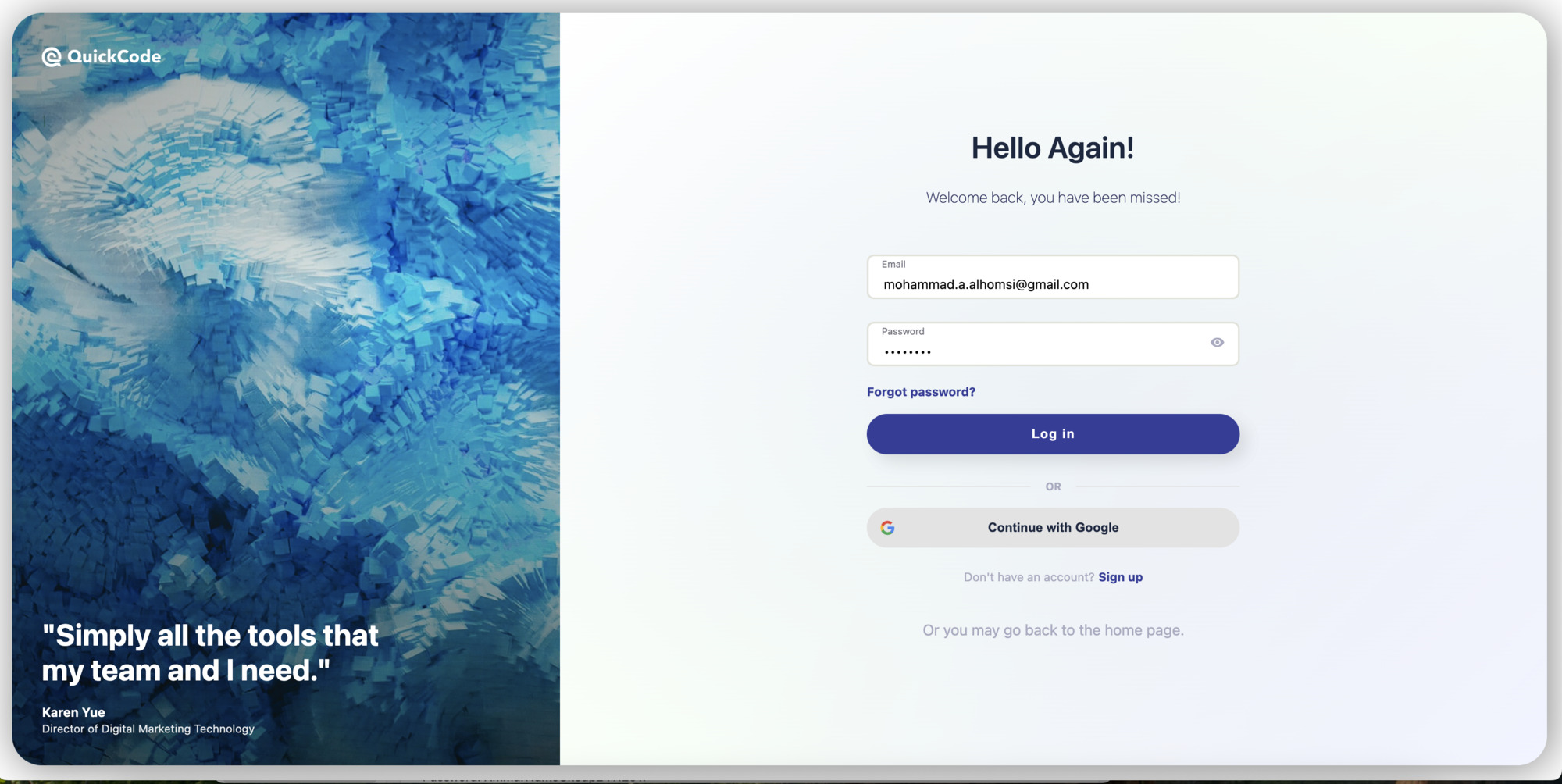
- Improved the UI of the login page. See screenshot CLICK HERE.
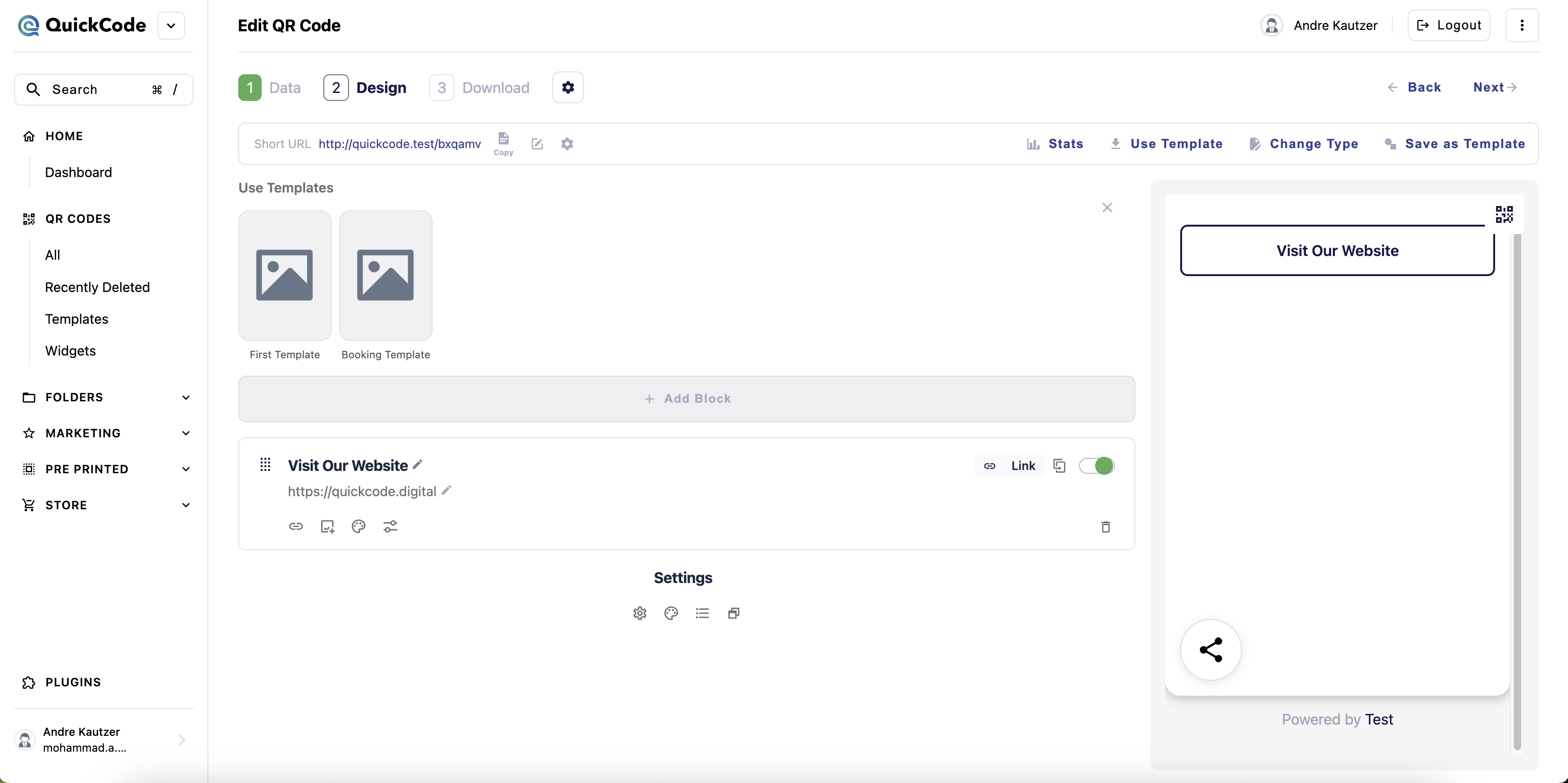
- Improved the UI of Link Block in BioLinks and changed the UI of the settings area in BioLinks See screenshot.
- File System: improved the URL generation with secure signature for direct file access.
- Added file upload by chunks functionality to system configs.
- Hide PayPal and Google Review biolink blocks if those types are disabled in the admin panel.
- Bugfix: cannot move forward while creating new QR codes with php 8.3
- Added 3 new social login providers: Apple, Microsoft and LinkedIn.
- Removed X social login.
2026-06-06 v3.9
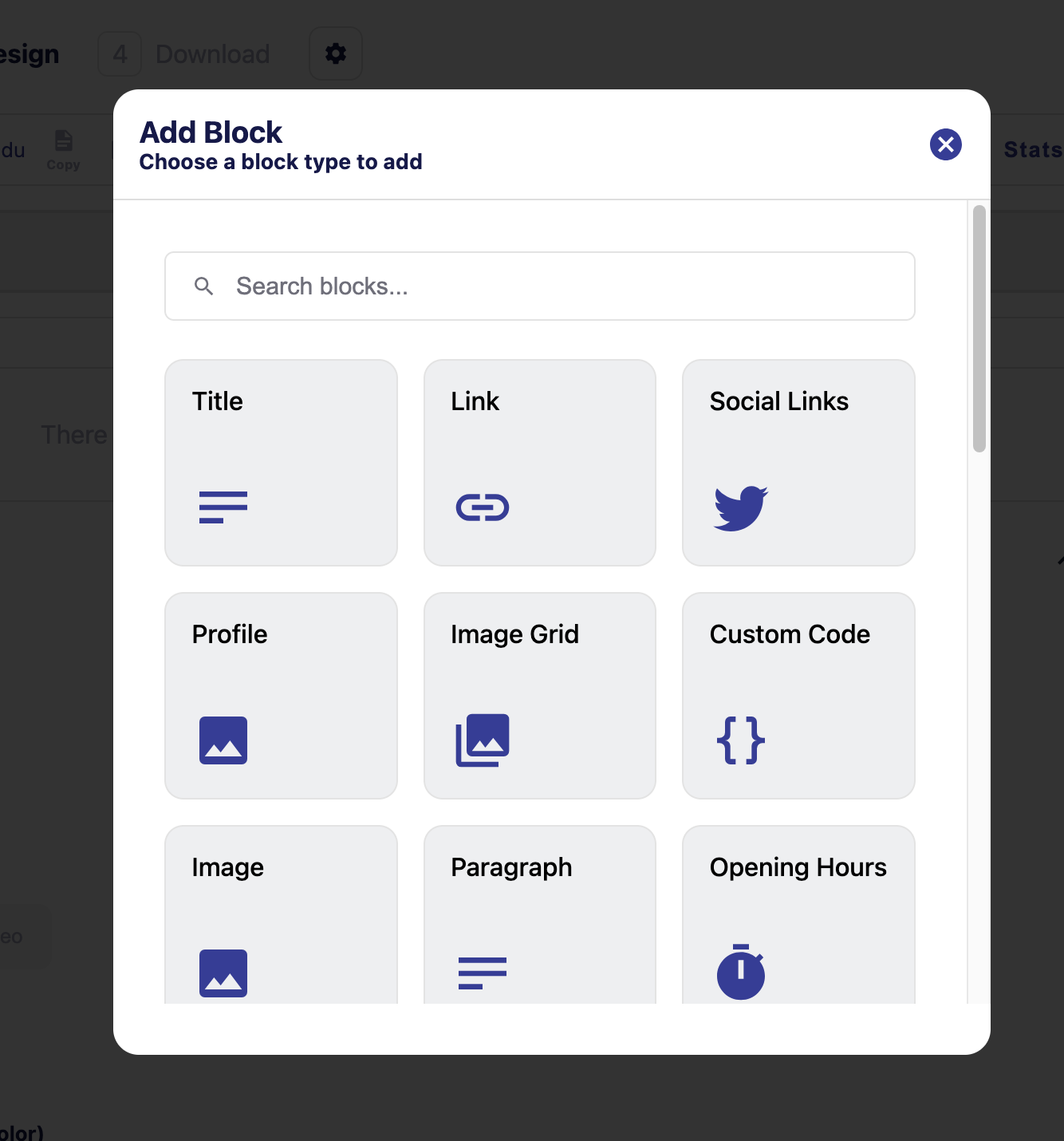
- Improving the UX of BioLinks type, see screenshots [ 1 - 2 ].
- Updated search indexes for all settings items.
- Bugfix: global search popup doesn't reveal the correct selected text box always.
- Bugfix: now UPI section will not show in Business Profile type if UPI type is disabled.
- Bugfix: sign up link in frontend generator always go to the main domain even if the app is hosted on subdomain.

2026-05-31 v3.8
- Breaking Change re-implemented s3 in integration to serve direct links instead of proxying s3 content. This will only work with fresh installation. Old s3 links will be broken.
- Added a new position in Payment > Success page.
- Hide UPI payment from Restaurant Menu if the UPI type is disabled in settings.
- Added autogenerated pages for the types recentely added.
- Updated laravel to v13.
- Updated translation strings.
2026-05-21 v3.7
- Added 2 new blocks: Spotify and Soundcloud.
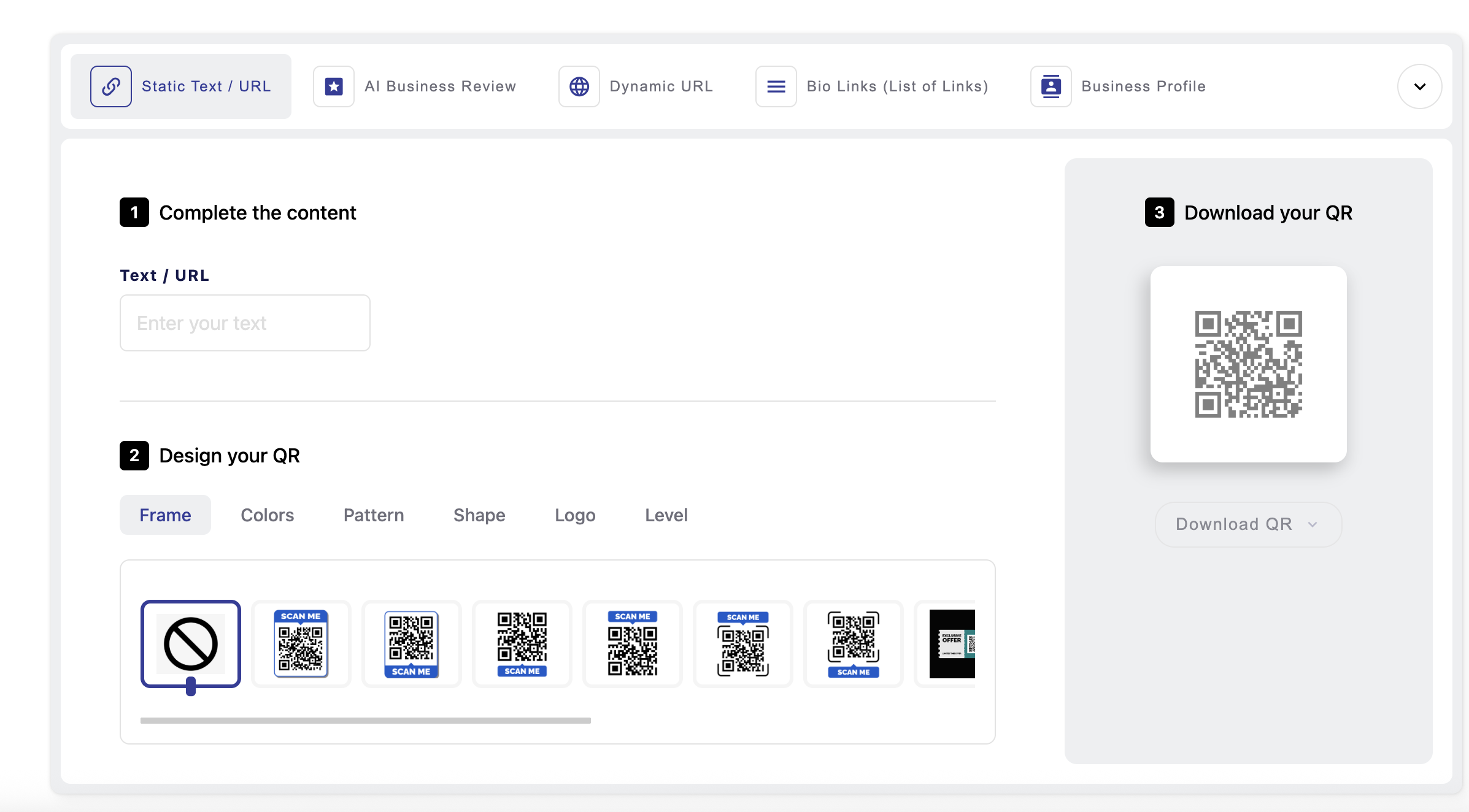
- Rebuilt the home page widget generator. SEE SCREENSHOT.
2026-05-06 v3.6
- Biolinks: Added booking widget block.
- Added new payment processor: Yoco.
- Implemented recurring subscriptions with PayStack.
- Updated the settings search index.
- Added some missing translations.